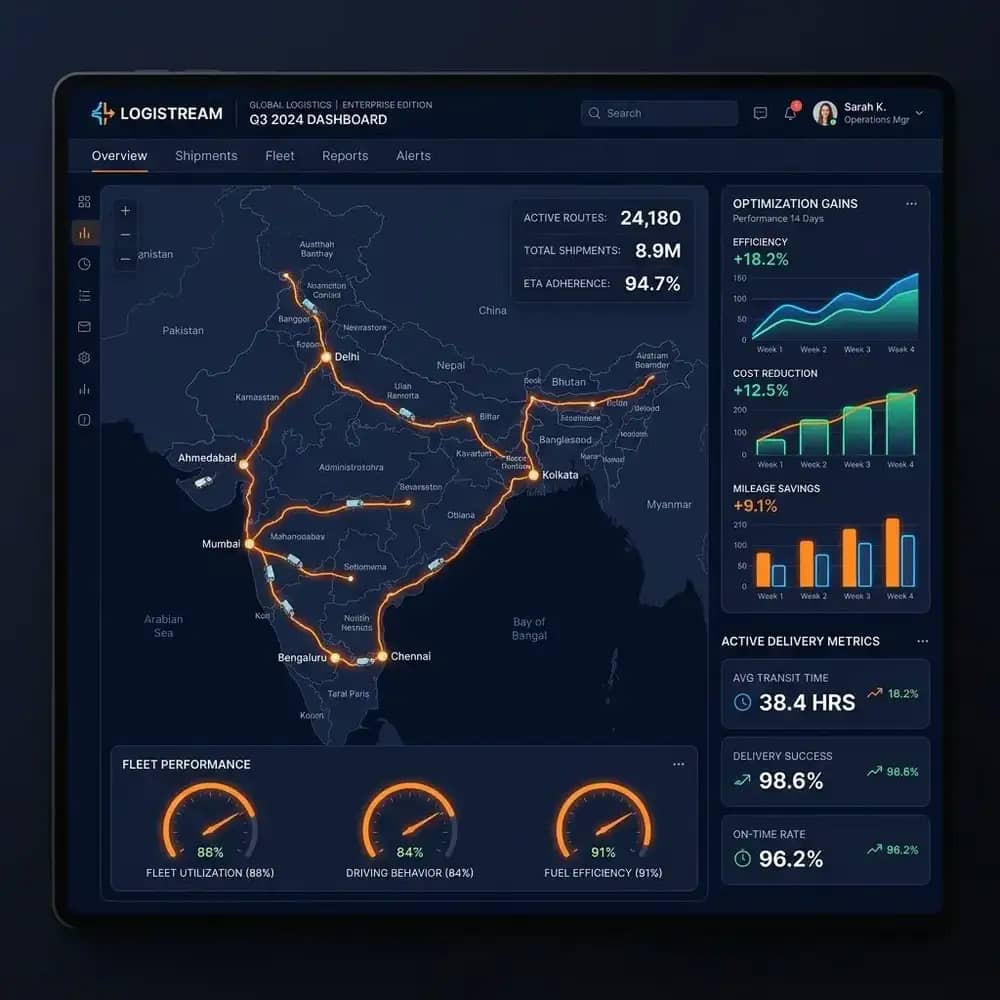
Why parcels go missing between booking branches, transit hubs and delivery offices, and how barcode in-scan, out-scan, master bags and manifest reconciliation keep every handoff on record.
The Parcel That Was “Definitely Sent”
Every courier and cargo company in India has lived this phone call. A customer in Udaipur is waiting for three cartons booked in Delhi four days ago. The Delhi branch says the cartons were loaded. The Jaipur hub says the truck arrived, but the register shows only two cartons. The Udaipur branch has never heard of the consignment. Everyone is sure they did their job, and nobody can prove where the third carton is.
The problem is rarely dishonesty and almost never one careless person. It is the gap between branches. When a parcel moves from one desk to another with nothing more than a handwritten entry or an Excel row typed hours later, every handoff becomes a matter of memory. Multiply that by hundreds of dockets a day across a dozen branches, and losing track of a few parcels a week stops being a surprise and starts being a cost of doing business.
Hub control software exists to close that gap. Instead of trusting the register, it records every physical touchpoint — booking, loading, arrival, sorting, dispatch and delivery — with a barcode scan, a timestamp and the name of the person holding the scanner.
What Is Hub Control Management Software?
Hub control management software is the operating system for a multi-branch logistics network. It connects four kinds of locations that usually run as separate islands: booking branches where consignments are accepted, transit hubs where they are sorted and consolidated, distribution centres that feed a region, and delivery branches that hand parcels to riders for the last mile.
FleetSetu’s Hub Control Management Software puts all of these nodes on one platform. A parcel gets a barcode label at booking, and from that moment every branch sees the same record. The hub manager in Jaipur knows what is coming before the truck arrives, the branch head in Udaipur knows what should be on the next vehicle, and head office can see the entire network on one screen.
- Booking branches: capture consignment details, piece count and weight, and print barcode labels
- Transit hubs: in-scan arrivals, sort by destination, consolidate into master bags and out-scan to the next leg
- Distribution centres: receive line-haul loads and route them to delivery branches across the region
- Delivery branches: in-scan final-mile stock, build delivery run sheets and close shipments with e-POD
Following One Shipment From Counter to Doorstep
The easiest way to understand hub control is to follow a single consignment. A customer walks into the Delhi booking counter with three cartons for Udaipur. The operator enters sender and receiver details, records the piece count and the scale weight, and the system issues one AWB number with a label for each carton. Each label carries the routing code, so anyone at any hub knows where the carton is going without reading a single address.
When the cartons are loaded onto the line-haul truck, they are out-scanned against an outgoing manifest. The manifest binds the AWB to the vehicle number and the container seal. At this point the system already knows that three pieces left Delhi on that truck. If only two had been scanned, the loader would have seen the gap on the screen before the truck doors closed, not four days later on a customer call.
At the Jaipur hub, the truck is unloaded and each carton is in-scanned. The software compares what arrived against what the manifest says was sent. Three of three? The shipment moves on. Two of three? An exception is raised immediately, tagged to the manifest, the vehicle and the branch that sent it. From Jaipur the cartons are sorted, out-scanned to Udaipur, in-scanned on arrival, added to a rider’s delivery run sheet, and finally closed with a digital proof of delivery.
In-Scan and Out-Scan: Where Accountability Begins
In-scan and out-scan sound like simple data entry, but they change who is responsible for a parcel at any given moment. An out-scan says “this branch handed it over.” An in-scan says “this branch received it.” Between the two, custody is clear. If a parcel was out-scanned at Delhi and never in-scanned at Jaipur, the investigation starts with the truck, not with a round of blame between two branch heads.
Speed matters here as well. A busy hub cannot afford to slow down at the dock because the software is fussy. FleetSetu works with standard 1D and 2D barcode scanners — USB, Bluetooth or wireless dongle — and with smartphone cameras through the mobile app. Operators scan, the screen confirms, and they move to the next carton. The system blocks duplicate scans with a clear warning, so an accidental double scan does not inflate the count.
- Every scan records the operator, branch, dock and exact timestamp
- Duplicate scans are flagged and blocked before they distort the count
- Wrong-branch receipts are caught at in-scan, not after the parcel has travelled further
- Scans keep working when the dock’s internet drops and sync once the connection is back
Master Bags and Manifest Reconciliation
A transit hub handling a few thousand parcels a night cannot scan every small packet at every stop. That is where master bags come in. Parcels heading to the same destination hub are grouped into one bag with its own serialized barcode and tamper seal. At the next hub, the team scans the bag once and every parcel inside is checked in together. On the FleetSetu platform this can cut dock in-scan time by up to 80% for consolidated loads.
Manifest reconciliation is the other half of the story. At the end of each unloading, the receiving hub sees a simple comparison: expected versus received. Shortages, excess pieces, unmanifested parcels and weight differences are listed separately, so the dock supervisor knows exactly what to chase. Instead of a long evening of matching register entries, reconciliation becomes a five-minute review.
- Serialized master bag barcodes with tamper seal numbers
- One scan checks in every parcel in a consolidated bag
- Expected vs. received view for every incoming manifest
- Shortages, excess and unmanifested pieces separated for quick follow-up
Turning Exceptions Into a To-Do List
Hubs will always have exceptions. Cartons get damaged in transit. A four-piece shipment arrives as three. A parcel meant for Ajmer lands at Udaipur. The difference between a well-run network and a chaotic one is not that exceptions never happen — it is how fast they are spotted and who owns them.
In a register-based setup, exceptions surface when a customer complains. In FleetSetu, they surface at the scan where they happen. Each one is tagged to the shipment, the manifest, the branch and the operator, and it stays open until someone resolves it. The hub manager stops starting the morning with “what went wrong yesterday?” and starts with a short, specific list of what needs attention today.
- Missing shipment: manifested but not received
- Unmanifested shipment: received but never sent on paper
- Piece count mismatch on multi-piece consignments
- Weight discrepancy between booking and hub re-weigh
- Damaged package recorded at the scan where it was discovered
- Wrong branch receipt flagged for re-routing
One Dashboard for the Whole Network
Owners of growing courier and cargo businesses often say the same thing: “I used to know everything when we had two branches. Now I have twelve and I find out about problems from customers.” A centralised hub dashboard gives that visibility back. Each branch’s incoming and outgoing volumes, pending manifests, open exceptions and vehicles on the road are visible in one place.
Customers benefit as well. Because every scan updates the shipment status, the tracking link you send is no longer a guess. When a scan happens at the Jaipur hub, the customer sees Jaipur. This pairs naturally with the approach in our post on sending tracking links instead of answering “where is my truck?” calls.
Connecting the Hub Floor to Line-Haul and Last Mile
A hub is only as good as the trucks that link it to the next branch. Because Hub Control runs on the same platform as FleetSetu’s Transport Management Software, closing an out-scan manifest can assign the line-haul vehicle and driver, attach the E-Way Bill and start live tracking with arrival alerts for the receiving hub. The dock master in Jaipur knows the Delhi truck is 40 minutes away, not just that it “left in the evening.” For the compliance side, see digital LR and E-Way Bill compliance without the portal hopping.
At the other end, the delivery branch builds a digital Delivery Run Sheet for each rider. Riders follow their stop sequence on the mobile app and close each delivery with a signature, photo or OTP. That proof flows straight back into billing — the same idea we cover in why POD digitization accelerates cash flow.
- Out-scan manifest linked to vehicle, driver and E-Way Bill
- Live line-haul tracking with geo-fenced arrival alerts for the next hub
- Delivery Run Sheets generated from delivery-branch in-scans
- e-POD with signature, photo and OTP closes the shipment record
What Changes in the First Month
The first week is mostly about habit. Loaders get used to scanning instead of ticking a register, and supervisors get used to trusting the screen. Most teams pick it up quickly because scanning is faster than writing — the hardest part is usually convincing the most experienced person on the dock that the new way is not extra work.
By the second or third week, the arguments start to disappear. When a branch says “we sent it,” there is a scan to prove it. When a hub says “we never got it,” there is a missing in-scan to prove that too. Branch heads stop spending their evenings reconciling registers, and the weekly call with head office shifts from defending numbers to fixing the few exceptions that remain.
By the end of the month, the owner has something they did not have before: a network they can actually see. That visibility is what makes it safe to open the next branch, sign the next bulk customer or add a new route without the operation quietly falling apart.
Is Your Network Ready for Hub Control Software?
You do not need to be a national courier to benefit. If you run more than two branches, move consignments through at least one transit point, or regularly hear “we sent it, they did not receive it,” the case is already there. Start by asking a few honest questions about your current setup.
- Can you tell, right now, which branch is holding a given parcel?
- How long does it take to reconcile a truck’s load against its manifest?
- Do you learn about missing or damaged parcels from your own team or from customers?
- Can you name the person who last handled a shipment that went missing last week?
- Would opening another branch make your visibility better or worse?
Getting Started
FleetSetu Hub Control works with the barcode scanners and thermal printers most Indian courier and cargo businesses already use, and it can start with a few branches before rolling out to the full network. Explore the full feature set on the Hub Control Management Software page, or book a demo and walk us through your busiest hub — we will show you how the same parcel would move through FleetSetu, scan by scan.